How to Use
Unfold the Stand
Gently unfold the laptop stand until it locks into place.
Adjust the Angle
Choose from multiple angle settings to find the most comfortable viewing position for your posture and eye level.
Place Your Laptop
Position your laptop or notebook securely on the stand. The anti-slip pads will help keep it stable and scratch-free.
Start Working
Connect your keyboard and mouse (optional) for an ergonomic desktop-like setup, or use your laptop’s built-in keyboard.
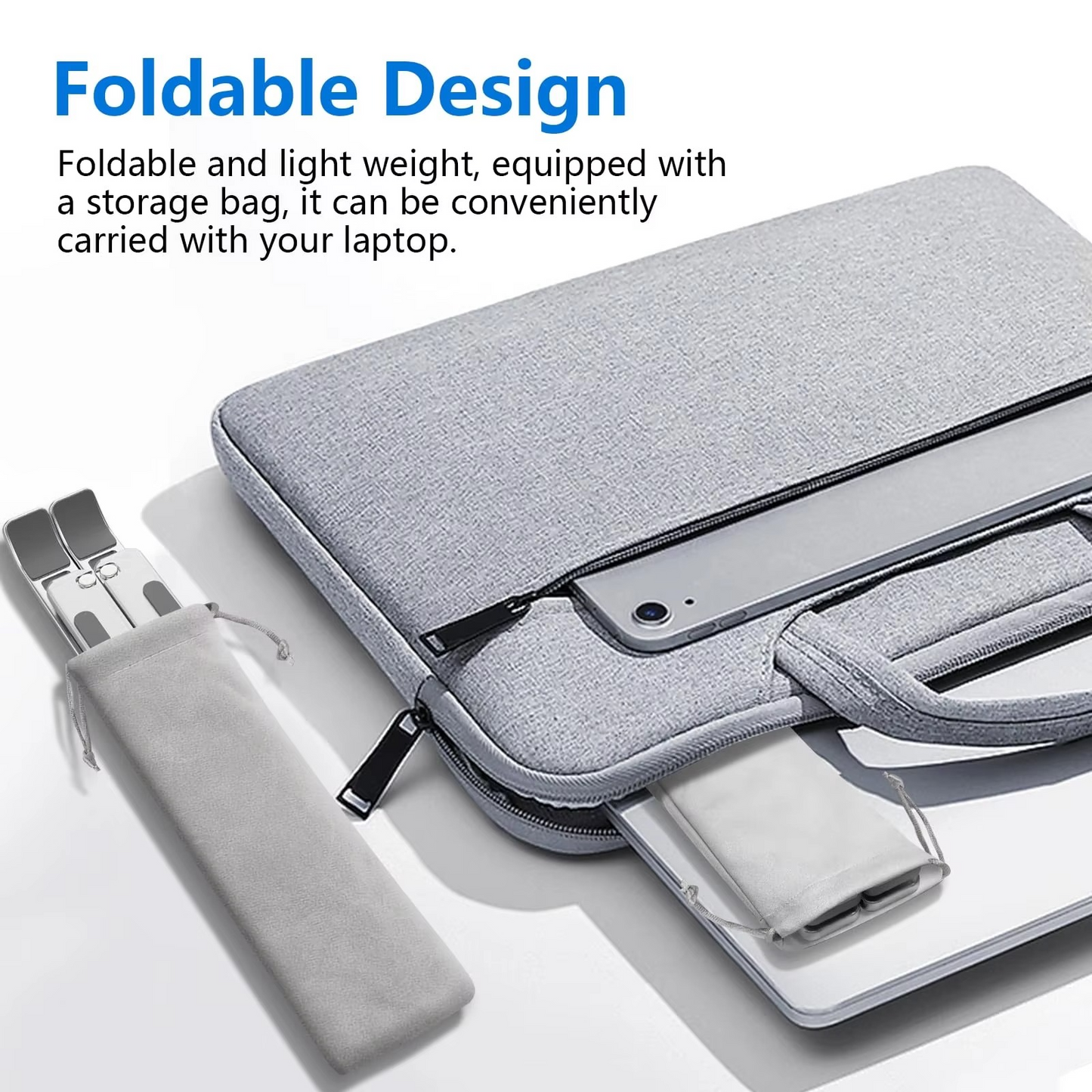
Fold and Store
When finished, simply fold the stand flat and slide it into your bag or drawer. Ideal for travel or hybrid work environments.
💡 Pro Tips:
Use with an external keyboard and mouse for best ergonomics.
Ideal for Zoom calls, content creation, or long work/study sessions.
Keep the stand on your desk or carry it in your laptop sleeve for quick setup anywhere.